300 Mbps Wireless USB WiFi Adapter Portable Network Card for Desktop Laptop PC 2.4 GHz IEEE 802.11b/g/n Internal Antenna WEP WPA WPA2 Encryption Windows Mac Linux


300 Mbps Wireless USB WiFi Adapter Portable Network Card for Desktop Laptop PC 2.4 GHz IEEE 802.11b/g/n Internal Antenna WEP WPA WPA2 Encryption Windows Mac Linux
300 Mbps Wireless USB WiFi Adapter for Desktop and Laptop Computers

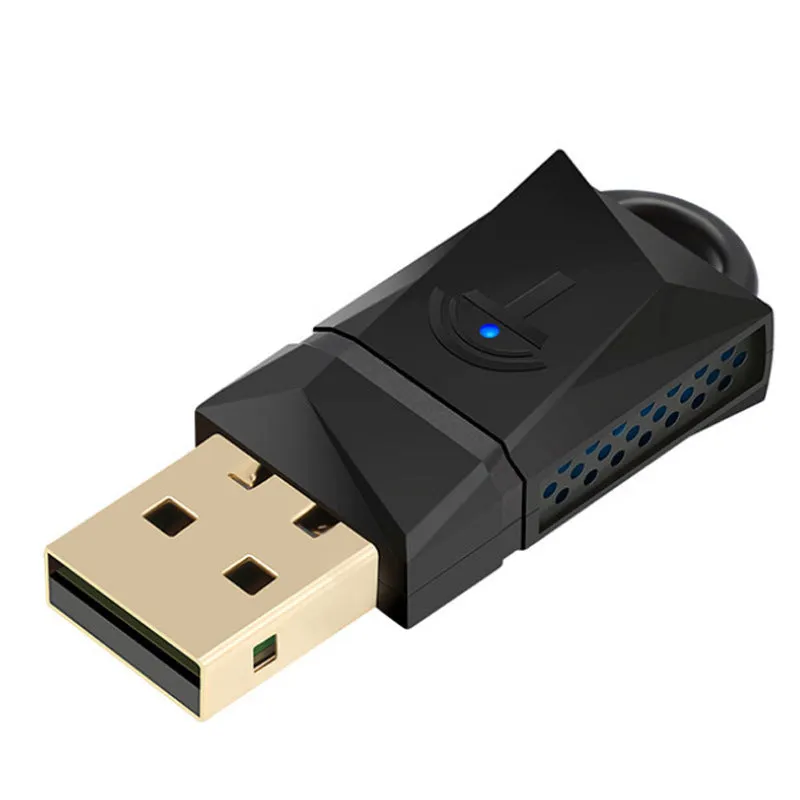
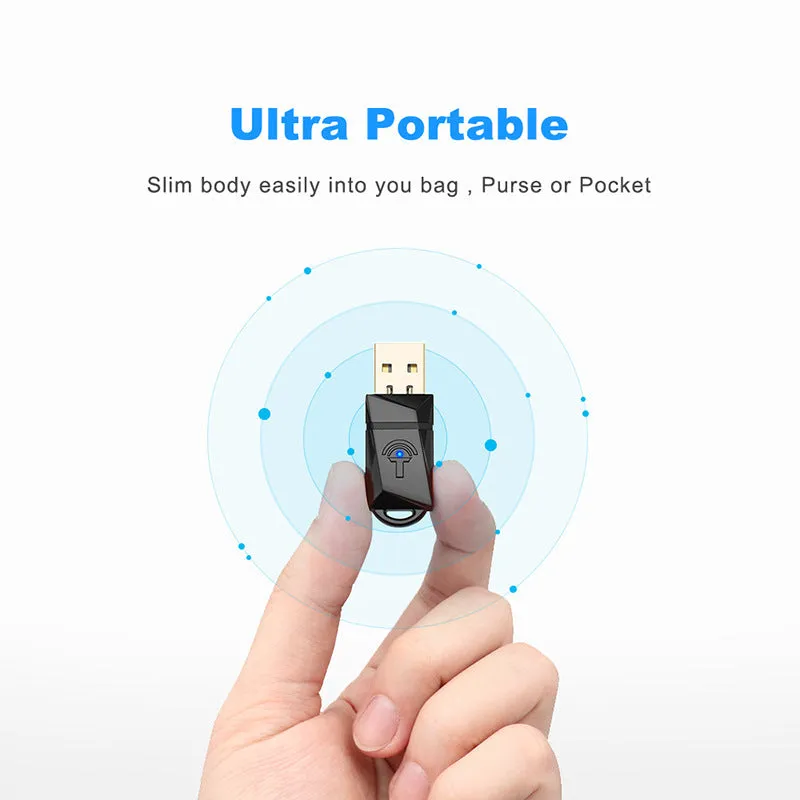
This wireless USB WiFi adapter provides a dependable solution for computers without built-in wireless networking capability. It is particularly useful for desktop PCs where a wired Ethernet connection is inconvenient or unavailable. The adapter delivers a maximum data rate of 300 Mbps on the 2.4 GHz band, suitable for everyday online tasks such as web browsing, video streaming, email, and file sharing. Its compact design allows easy portability between devices. The straightforward installation process requires installing the driver first, then plugging the adapter into a USB port. For optimal power delivery, a rear USB port on desktop towers is recommended. Compatible with a wide range of operating systems including Windows, Mac OS, and Linux, this adapter offers flexibility across different computer setups.
Features and Construction

The adapter is built around standard wireless networking technology with an internal antenna design. It connects via USB 2.0 or USB 3.0 interfaces, ensuring compatibility with most modern computers.
Wireless Standards and Speed
The adapter supports IEEE 802.11b/g/n standards operating in the 2.4 GHz frequency band. It offers a maximum data transfer rate of 300 Mbps, which is sufficient for typical home and office internet usage. The device uses an internal antenna that is permanently housed within the adapter casing.
Security Features
Data security is handled by 64/128-bit WEP encryption as well as WPA, WPA-PSK, WPA2, and WPA2-PSK protocols with TKIP/AES encryption methods. These security options help protect your wireless network from unauthorised access.
Operating System Compatibility
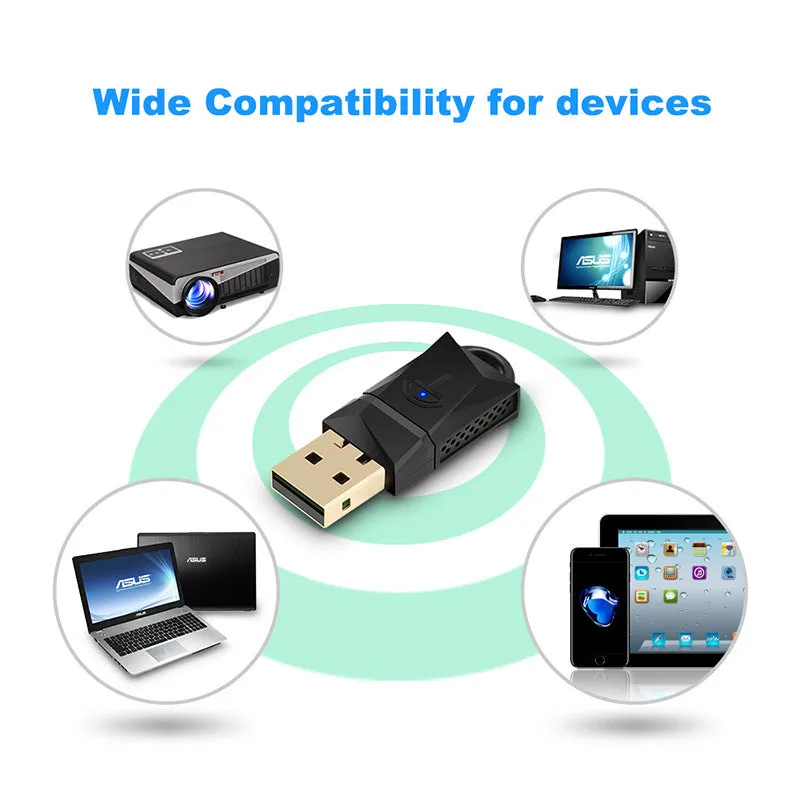
The adapter works with Windows 2000, XP, Vista, 7, 8, and 10, Mac OS versions 10.4 through 10.12.2, and Linux operating systems. This broad compatibility makes it suitable for a variety of computer setups, though driver installation is required before first use.
Installation and Usage

The installation process is straightforward but requires attention to order: the driver must be installed before inserting the adapter into a USB port. A CD driver is included, and an online driver link is provided for computers without a CD drive.
Driver Installation Steps
Insert the CD driver into your computer's optical drive and run the installation software. If a CD drive is not available, use the online driver link mentioned in the product documentation to download and install the necessary drivers. Follow on-screen prompts to complete installation.
Connection and Power Considerations
For desktop computers, inserting the WiFi adapter into a rear USB port is recommended to ensure stable power supply. The adapter works with both USB 2.0 and USB 3.0 ports. After use, remove the adapter and store it in a safe place to prevent overheating.
Storage and Handling
The source text advises removing the adapter after each use and packing it away for the next session. This helps prevent the device from overheating when not in active use. Store the adapter in a cool, dry location away from direct sunlight.
Benefits and Buying Value

This WiFi adapter offers practical value for users who need to add wireless connectivity to a desktop computer or upgrade an older laptop's network performance. Its compact size makes it easy to carry between workstations or travel with a laptop.
Cost-Effective Connectivity
Adding this USB adapter is a low-cost alternative to replacing a computer's internal wireless card. It plugs into an existing USB port and requires no technical expertise to set up, saving time and expense on professional installation.
Portability and Convenience
The small form factor allows the adapter to be carried in a laptop bag or pocket, making it a practical accessory for users who move between different locations. It can be quickly disconnected and used on another compatible computer as needed.
Why Choose This Product
This adapter combines reliable 300 Mbps performance, broad operating system support, and standard security features in a compact design. It is a straightforward solution for adding wireless networking to desktop computers or laptops lacking built-in WiFi.