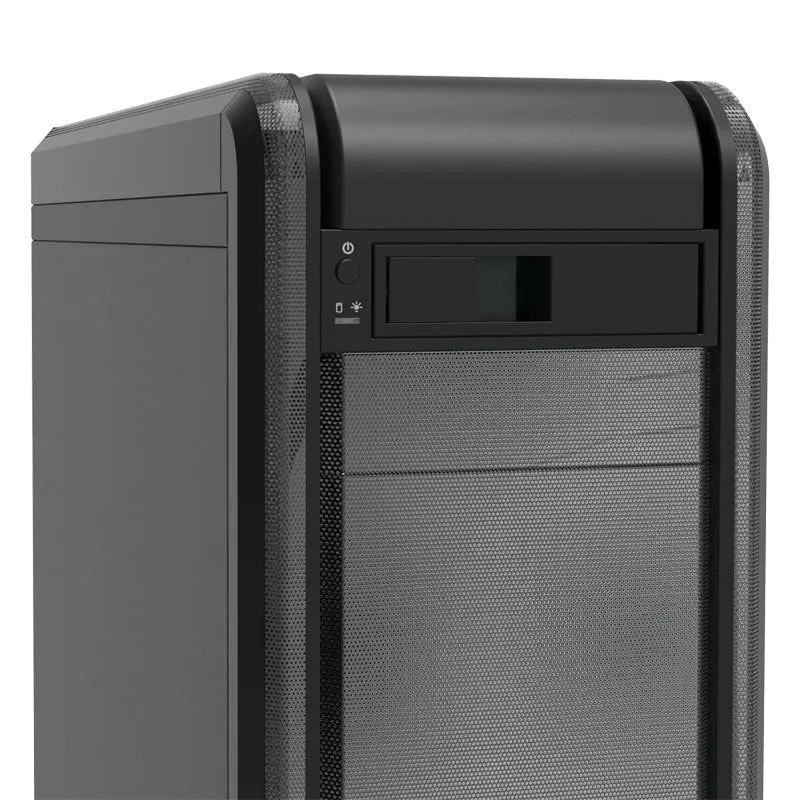
Hard disk drive caddy tray conversion kit desktop computer mounting bracket vertical chassis installation plastic and iron construction 183mm length 146mm width 42mm height compatible with standard CD-ROM bay location


Hard disk drive caddy tray conversion kit desktop computer mounting bracket vertical chassis installation plastic and iron construction 183mm length 146mm width 42mm height compatible with standard CD-ROM bay location
Hard Disk Drive Caddy Tray for Desktop PCs - Convert Your CD-ROM Bay to Internal Storage
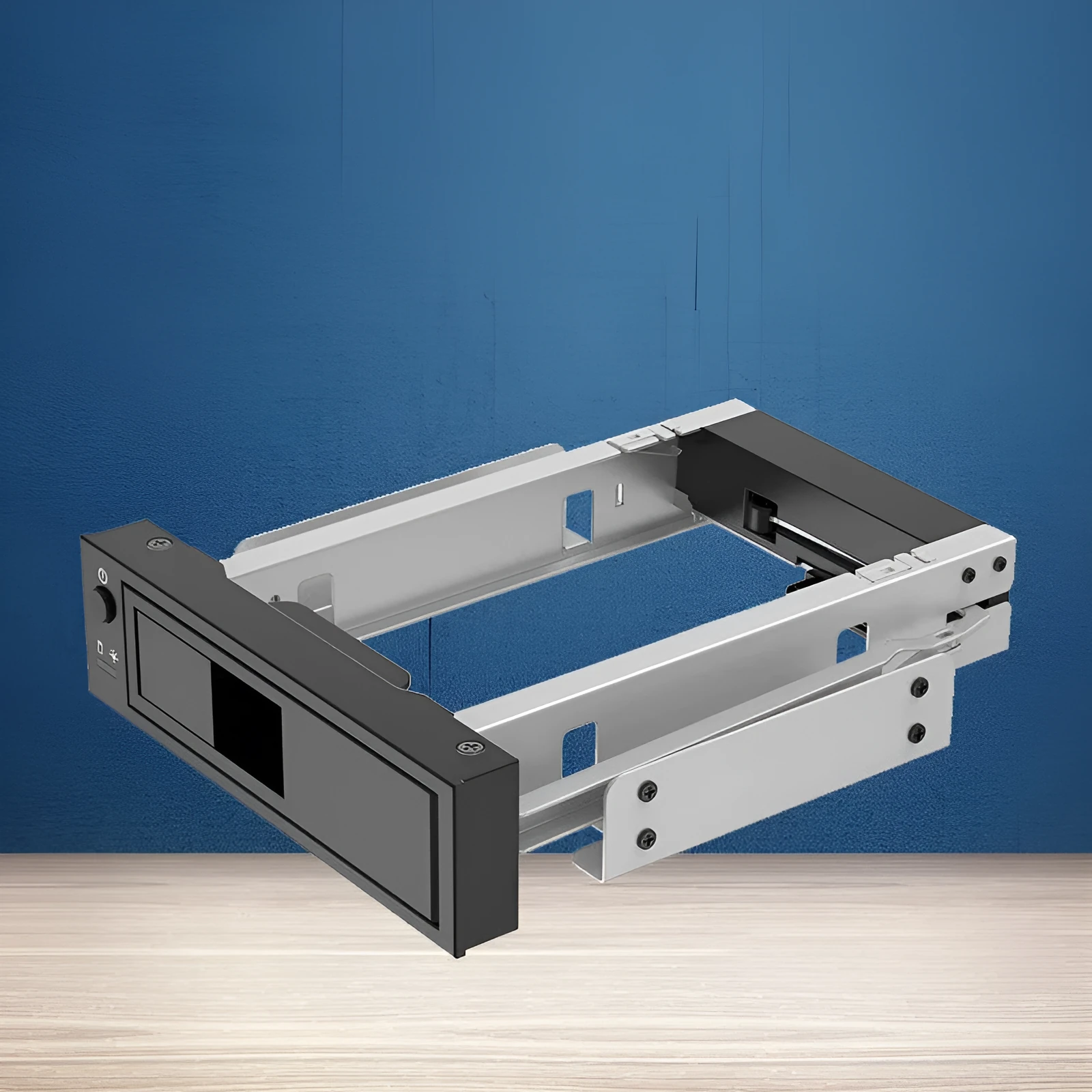
Maximise the storage potential of your desktop computer with this practical conversion kit. This hard disk drive caddy allows you to install an additional 3.5-inch hard disk drive (HDD) or solid-state drive (SSD) by utilising an otherwise vacant 5.25-inch CD-ROM or optical drive bay. It is an effective solution for users needing more internal storage without replacing their entire computer case or investing in external drives. The bracket is designed for a standard vertical chassis orientation and fits into the CD-ROM slot location found on many compatible desktop motherboards, providing a secure and organised method for expanding your system's capacity.
Features and Construction

This mounting bracket provides a straightforward physical interface between a standard 3.5-inch drive and a 5.25-inch external bay. Its design focuses on compatibility and secure mounting, using a combination of materials to create a stable platform for your storage device.
Material and Build
The caddy's construction incorporates both plastic and iron components. The primary tray structure is made from moulded plastic, which houses the drive and provides the screw mounting points. Iron elements are integrated into the frame to add rigidity and strength, ensuring the bracket and the drive it holds remain securely fixed in place within the computer chassis. This material combination aims to balance weight and durability for its intended function.
Size and Practical Fit
The external dimensions of the unit are precisely 183mm in length, 146mm in width, and 42mm in height. These measurements are designed to fit snugly into a standard 5.25-inch front-panel drive bay on a desktop computer case. It is specifically suited for a vertical chassis layout, which is the most common orientation for tower-style desktop PCs. Before purchase, you should verify that your computer case has an available bay of this size and that your motherboard's layout allows for cabling to this location.
Uses and Placement
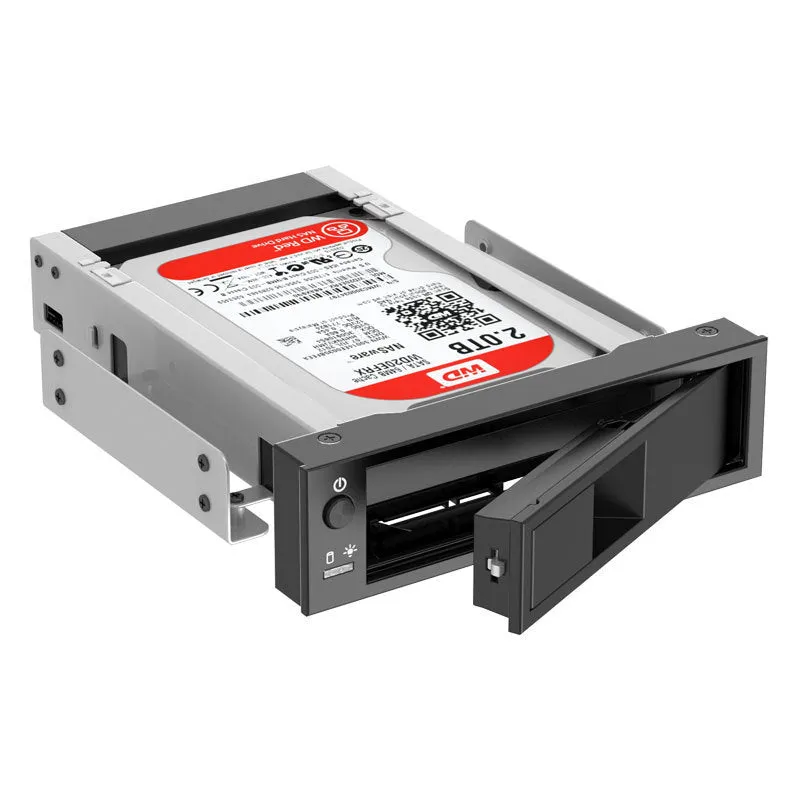
This product serves a clear purpose: to add internal storage capacity conveniently. It is ideal for specific upgrade scenarios, whether for a home media server, a workstation requiring extra space, or simply extending the life of an older PC by adding a modern, high-capacity drive.
Event or Professional Use
In a professional or dedicated home-server environment, this caddy allows for the neat integration of additional high-capacity or high-performance drives. It enables users to build network-attached storage (NAS) solutions or workstations with multiple drives using standard desktop cases, keeping all components internally mounted for a clean setup and potentially improved airflow management compared to loose or externally connected drives.
Everyday Home Use
For general home computing, the bracket offers a simple way to add a large secondary hard drive for media libraries, game installations, or system backups. It turns an obsolete CD-ROM bay into functional space, which is particularly useful in older cases that may lack dedicated internal 3.5-inch drive bays. It provides a more permanent and tidy solution than using an external drive enclosure connected via USB.
Benefits and Buying Value
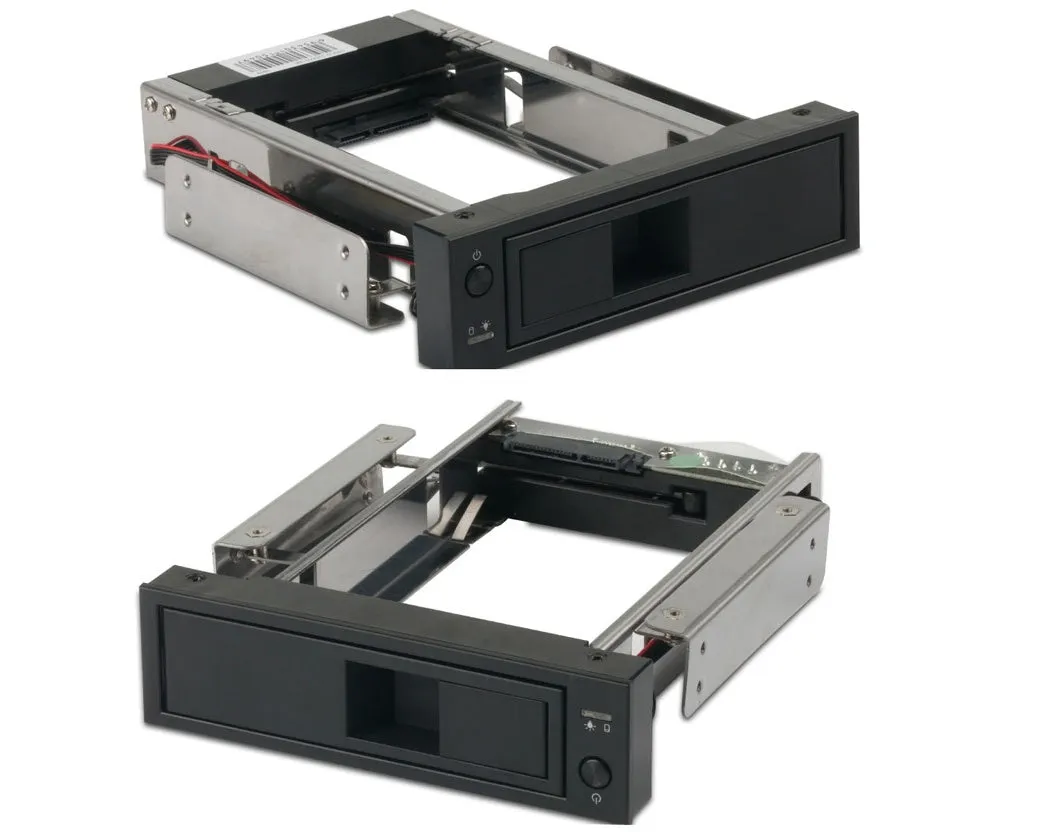
The value of this product lies in its specific function and reusability. It addresses a common need for expandability in a cost-effective and physically efficient manner.
Reuse and Low Maintenance
The caddy itself requires virtually no maintenance. Once installed with a drive, it becomes a permanent part of your system until you choose to upgrade or change components. The bracket can be reused multiple times; if you replace the hard drive in the future, you can simply unscrew the old drive from the caddy and install a new one into the same frame, making it a long-term investment for your case.
Why Choose This Product
You should consider this hard disk caddy if you have a desktop computer with an empty 5.25-inch front bay and a need for more internal storage. It provides a dedicated, secure mounting point that protects your drive from vibration and movement within the case. It also helps with cable management by keeping the drive in a fixed, accessible location. As it does not include a power supply, you will need to ensure your system's PSU has an available SATA power connector for the new drive.