
USB-C 7-in-1 Expansion Dock with HDMI, Projection Screen Output, and Hub3.0 Ports, 15 cm Cable Multi-Function Laptop Splitter for Extending Desktop Connectivity, Hub Adapter with Multiple Interfaces
10 In 1
£51.98
Sale price
£51.98
Regular price
Skip to product information

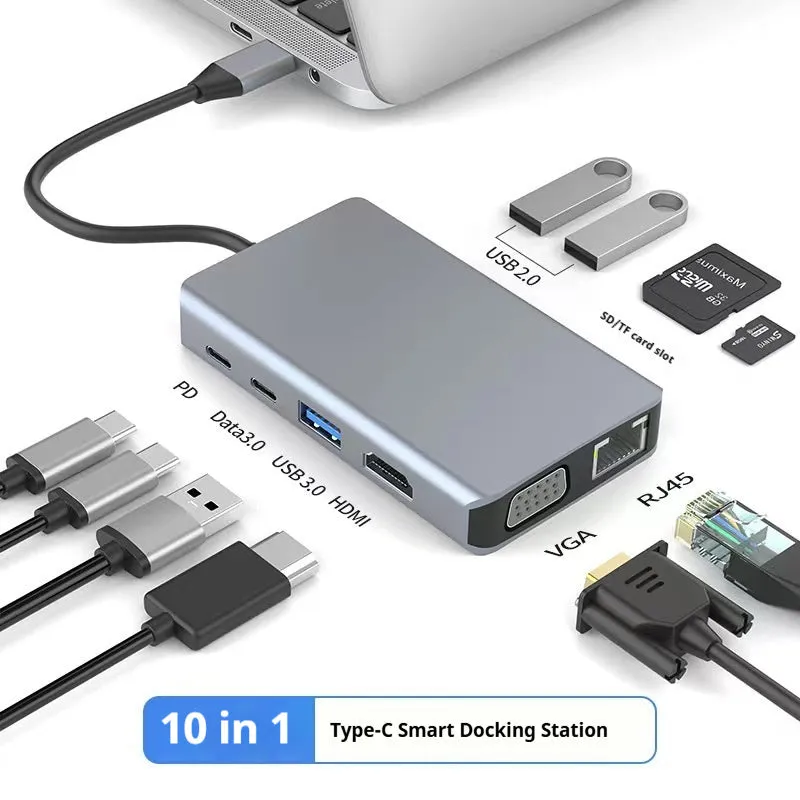
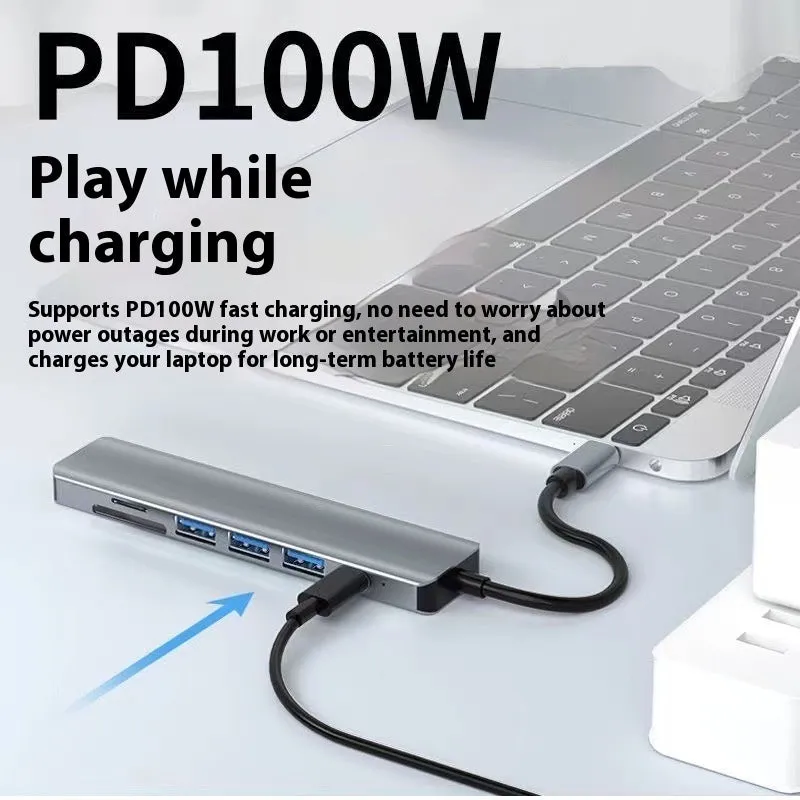
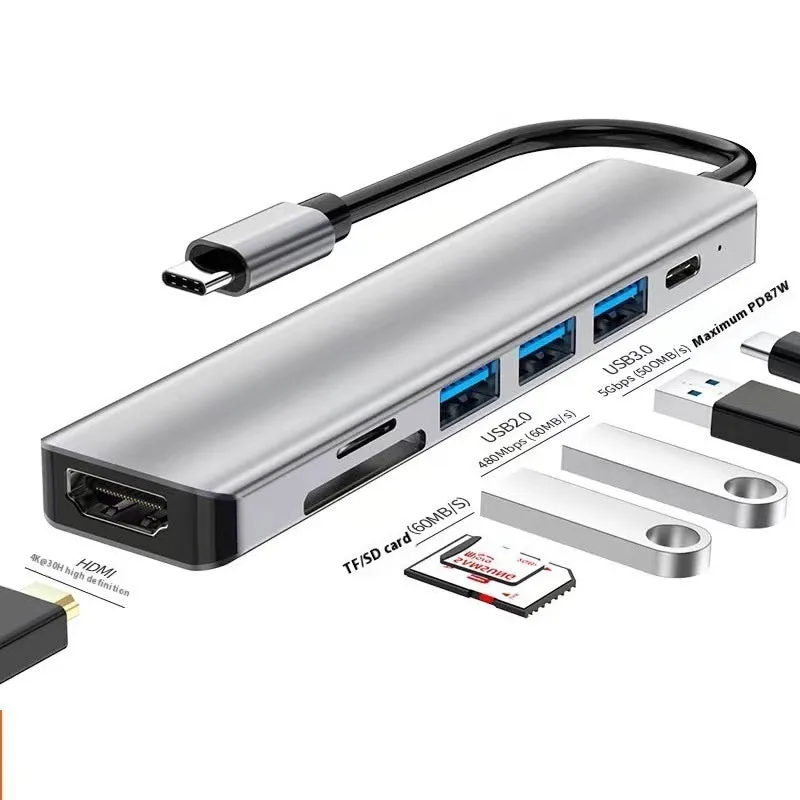
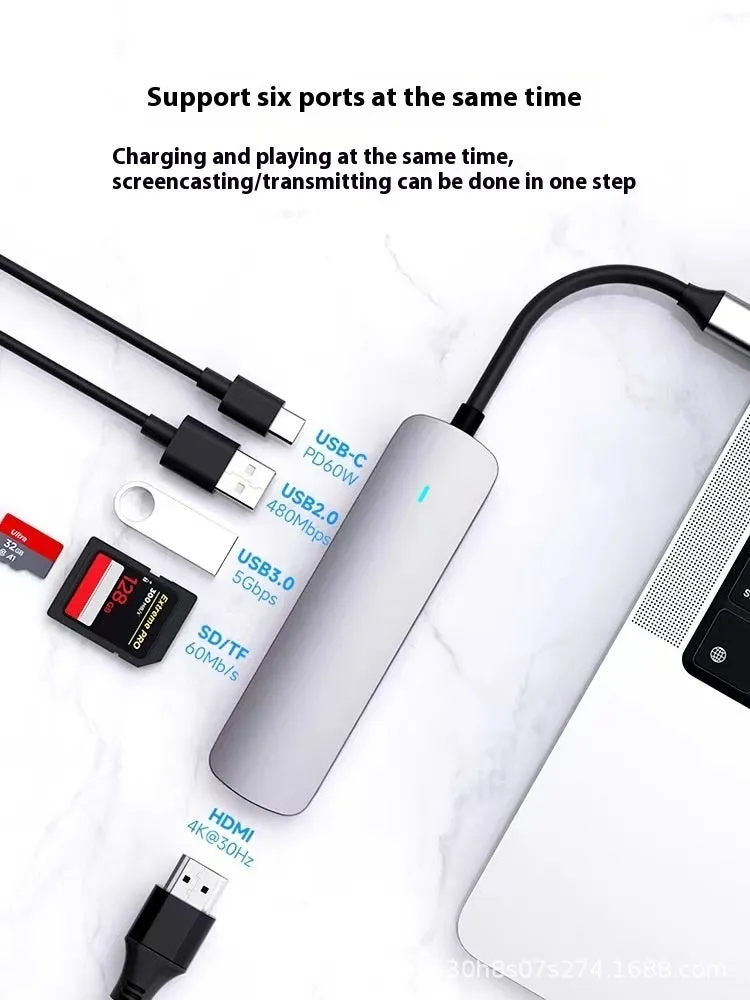
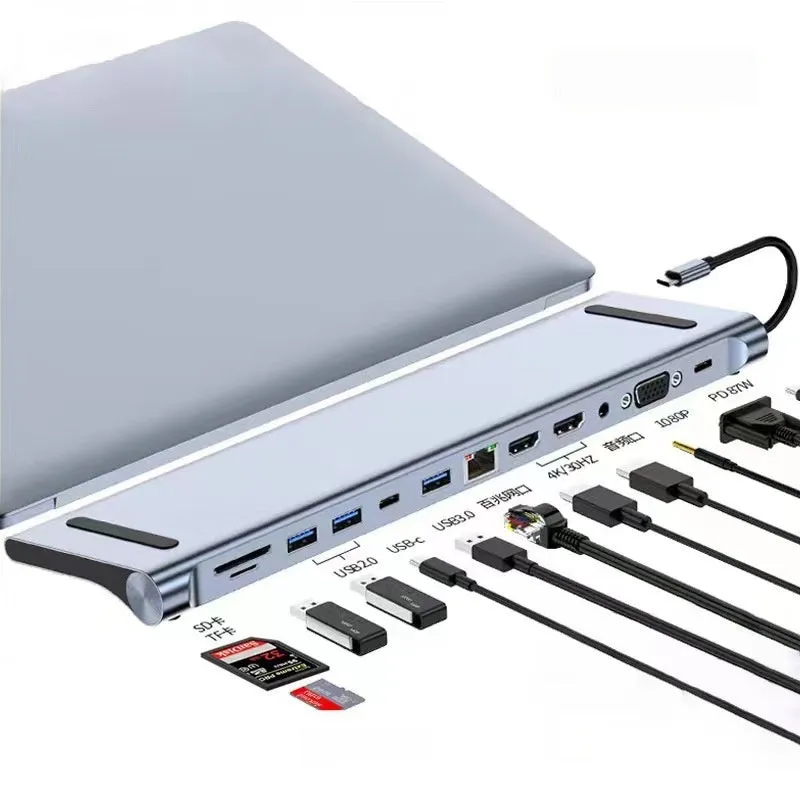
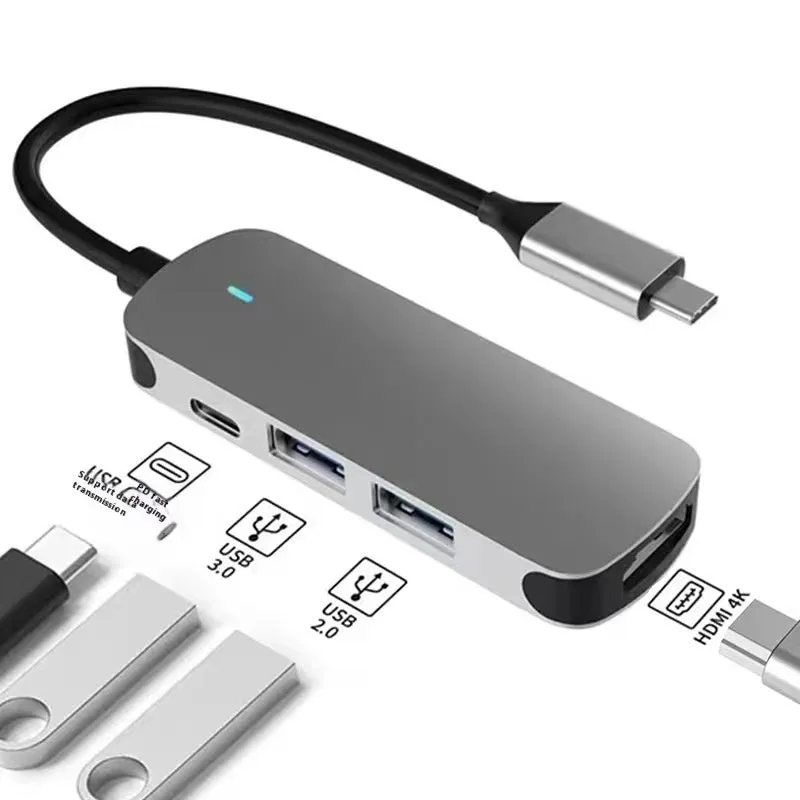
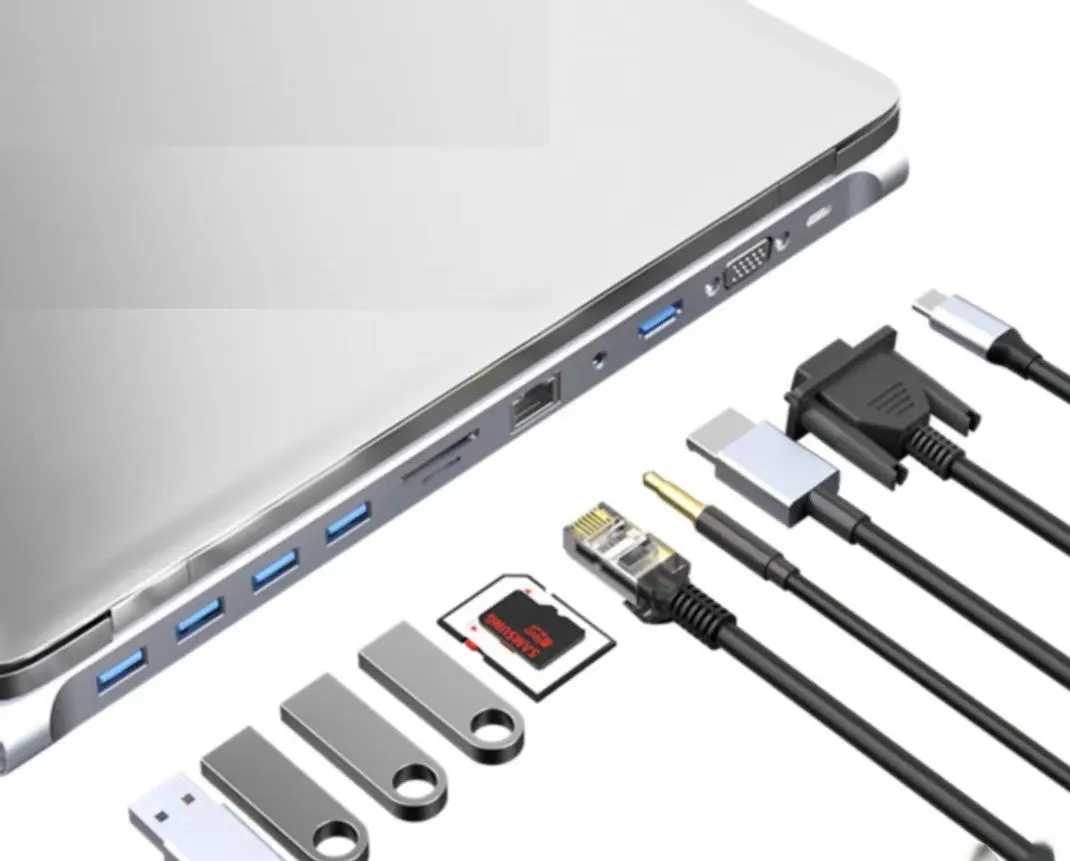
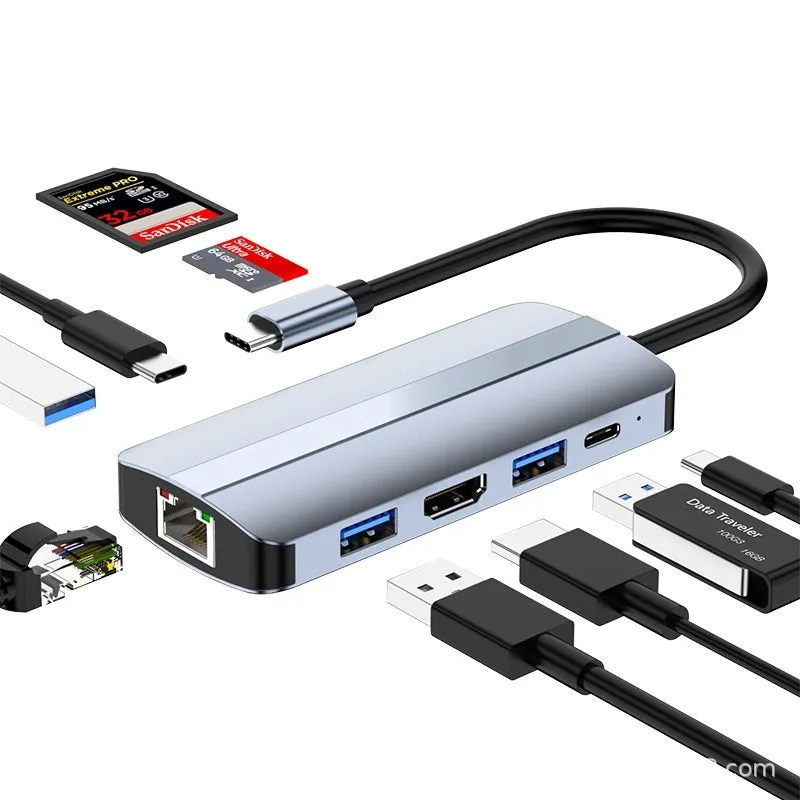
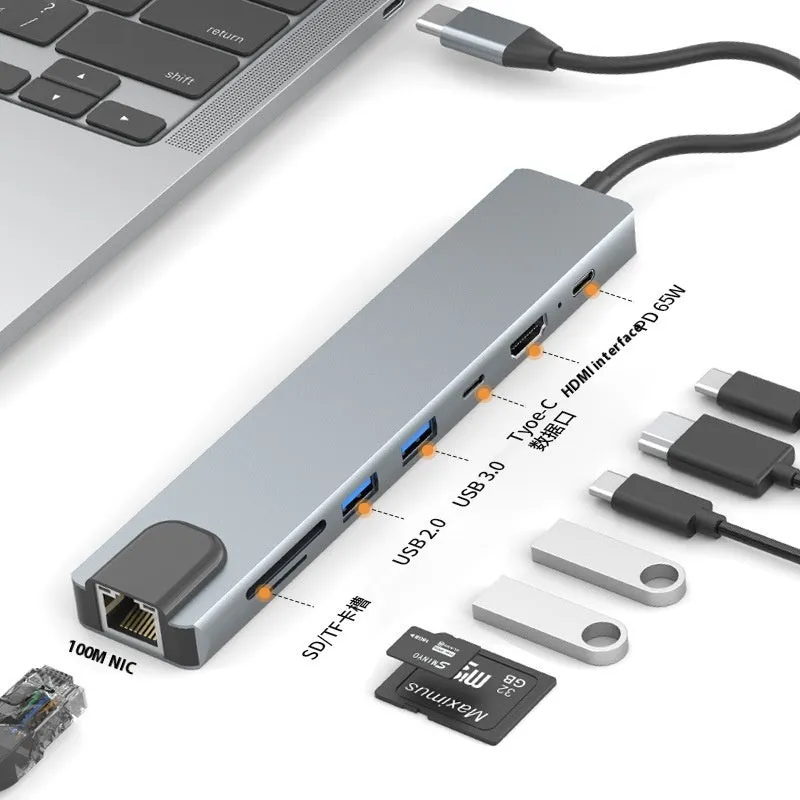 Modern laptops often prioritise slim designs over extensive connectivity, leaving users juggling dongles for essential peripherals. This USB-C 7-in-1 expansion dock offers a straightforward solution, consolidating several key connections into a single, compact accessory. By plugging into your device's USB-C port, it instantly provides an HDMI output for presentations or a second screen, alongside a USB 3.0 hub for connecting storage drives, input devices, and other accessories. The included 15 cm cable provides enough reach to position the dock conveniently on your desk, helping to organise your workspace and manage cable clutter from your laptop.
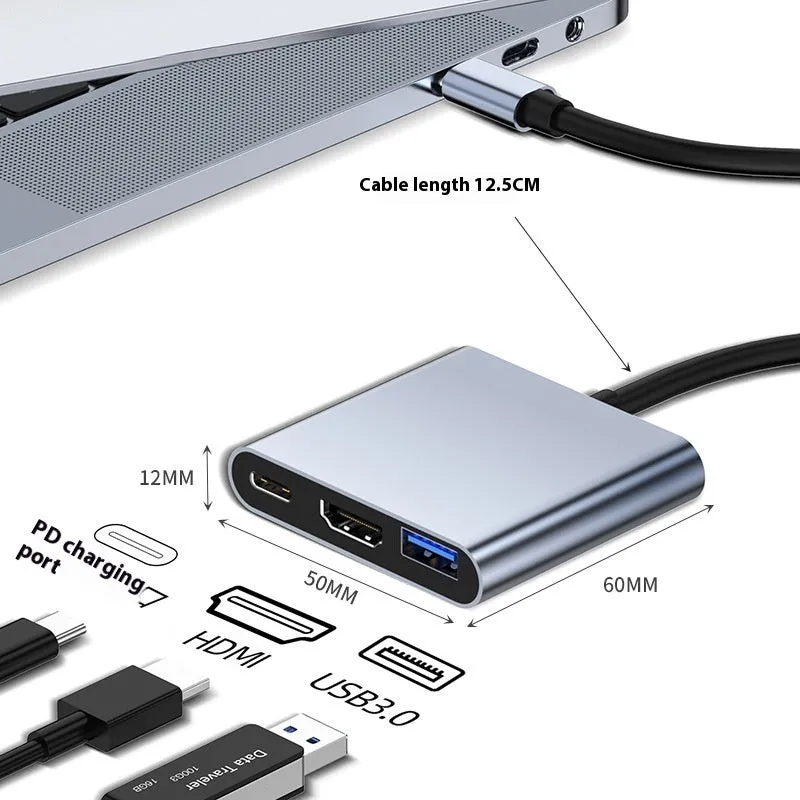 This dock is engineered to be a plug-and-play solution for extending the connectivity of laptops, tablets, or any host device with a compatible USB-C port. Its primary role is as a multi-function splitter, allowing several devices to be used simultaneously through a single host connection.
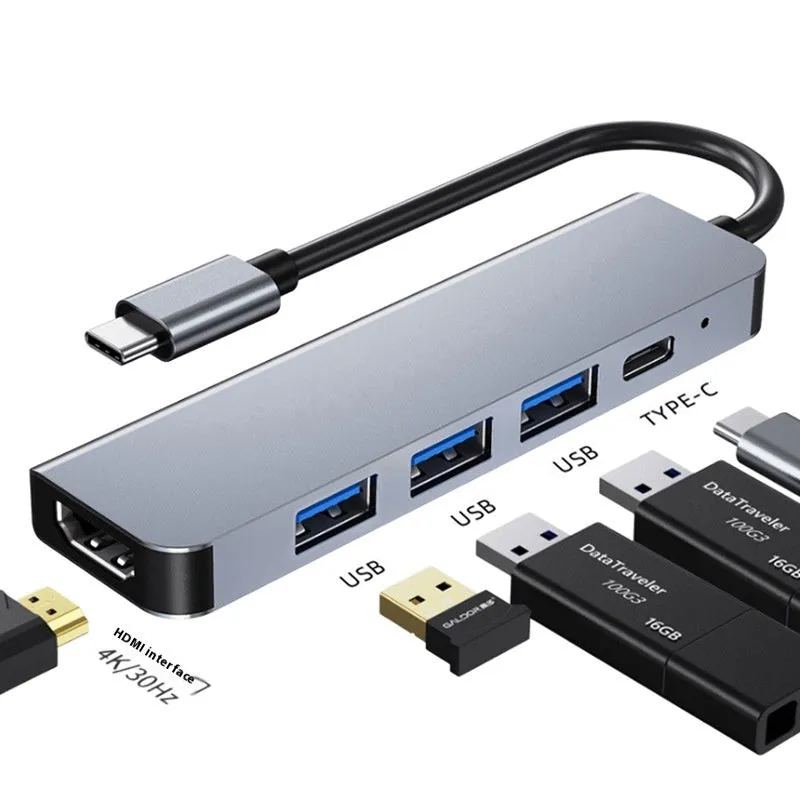 The dock is designed for scenarios where you need reliable, expanded connectivity from a portable device without carrying multiple separate adapters.
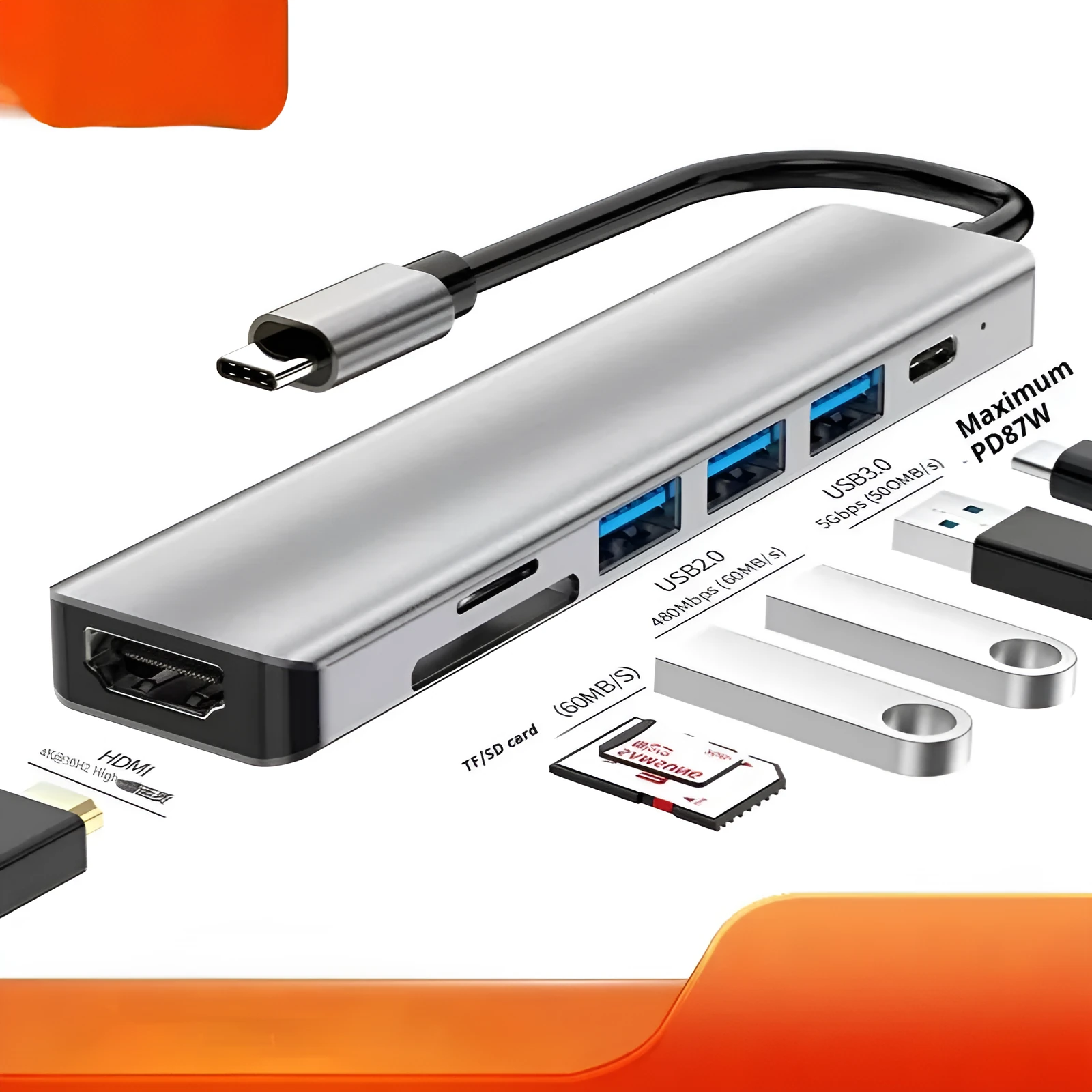 The value of this accessory lies in its ability to solve a specific, common connectivity problem with a dedicated, single-purpose tool.


USB-C 7-in-1 Expansion Dock with HDMI, Projection Screen Output, and Hub3.0 Ports, 15 cm Cable Multi-Function Laptop Splitter for Extending Desktop Connectivity, Hub Adapter with Multiple Interfaces
£51.98
Sale price
£51.98
Regular price
USB-C 7-in-1 Expansion Dock: HDMI Hub and Multi-Port Splitter with 15 cm Cable
Features and Construction
Material and Build
The dock is constructed from plastic and electronic components common to computer accessories, housing the necessary circuitry to manage data and video signal conversion. Its design is focused on functionality, providing a stable platform for the array of ports without unnecessary bulk. The build supports the practical requirements of daily desktop use, where it remains stationary while connected.Size and Practical Fit
The product's most defined physical specification is its 15 cm integrated USB-C cable. This length offers a practical degree of flexibility, allowing you to place the dock slightly away from your laptop to free up immediate desk space around the device itself. It is supplied as a single, complete unit ready for use straight from the package.Uses and Placement
Event or Professional Use
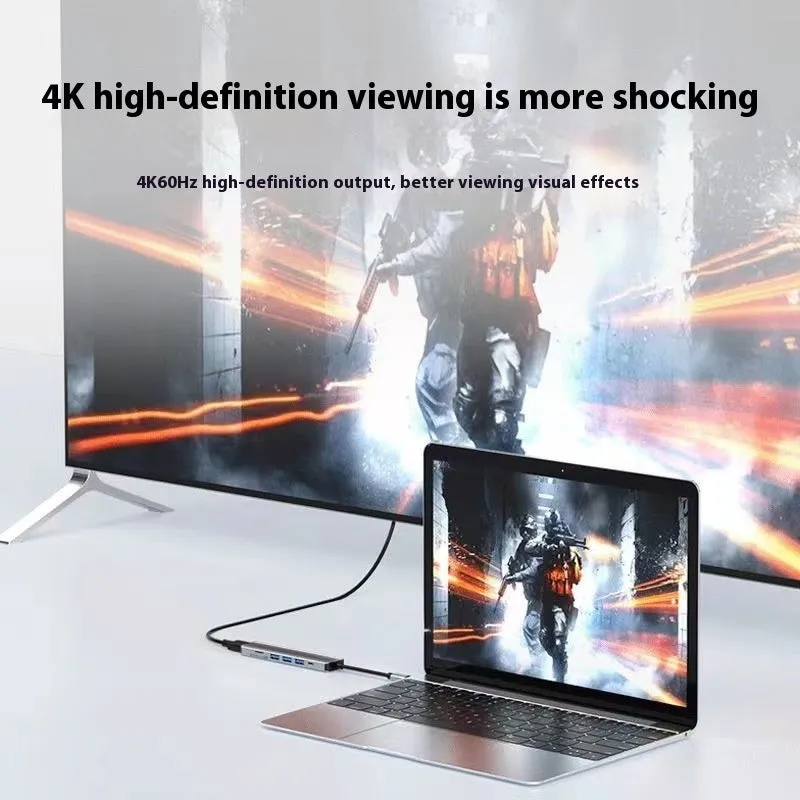
In meeting rooms or lecture halls, the HDMI output becomes particularly valuable. You can connect your laptop to a large screen or projector swiftly to share presentations, videos, or datasets. The USB 3.0 hub allows for quick access to files on a flash drive or the connection of a wireless presentation clicker, streamlining the setup process for professional demonstrations or training sessions.Everyday Home Use
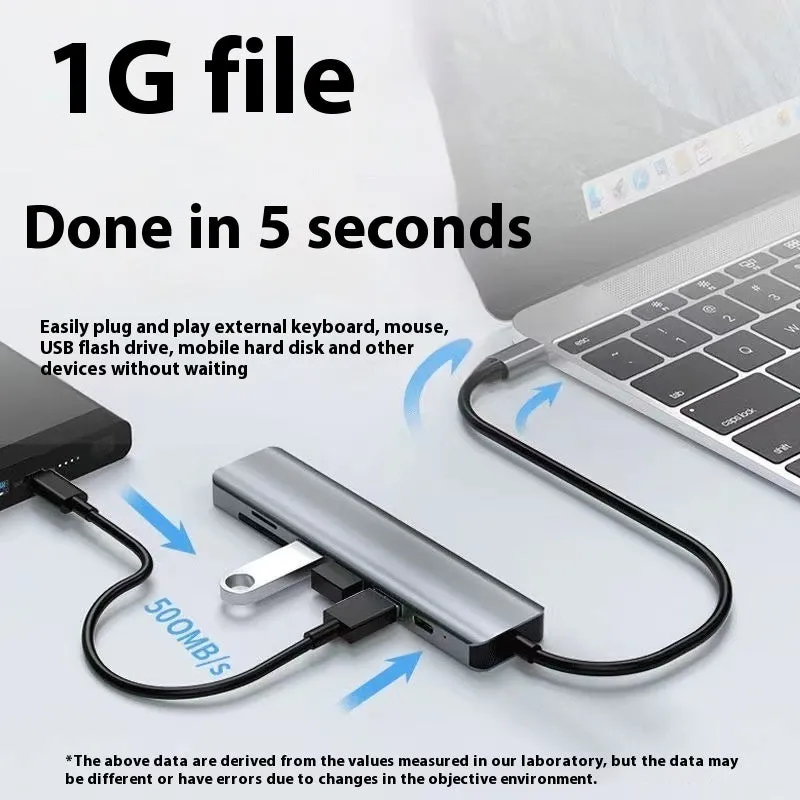
At a home office or study desk, the dock creates a more permanent and organised workstation. You can leave your mouse, keyboard, and an external hard drive plugged into the dock's ports. When you need to use your laptop, a single USB-C connection instantly re-establishes all these peripherals, eliminating the need to plug and unplug multiple cables each time you move your device.Benefits and Buying Value
Reuse and Low Maintenance
As a purely electronic accessory with no moving parts, the dock requires minimal maintenance. It has no software to install or update, functioning as a passive hardware extension. Its durability is tied to general electronic care – avoiding physical damage and exposure to liquids. This simplicity means it can be used reliably across multiple devices and over extended periods as your computing needs evolve.Why Choose This Product
You might choose this 7-in-1 dock if your primary need is adding an HDMI port and several USB connections from your laptop's USB-C port. The 15 cm cable offers a practical compromise between portability and desktop placement. It provides a focused set of functions—display output and data hub—without the complexity or cost of docks featuring many more specialised ports that you may not use, making it a practical choice for basic desktop expansion.